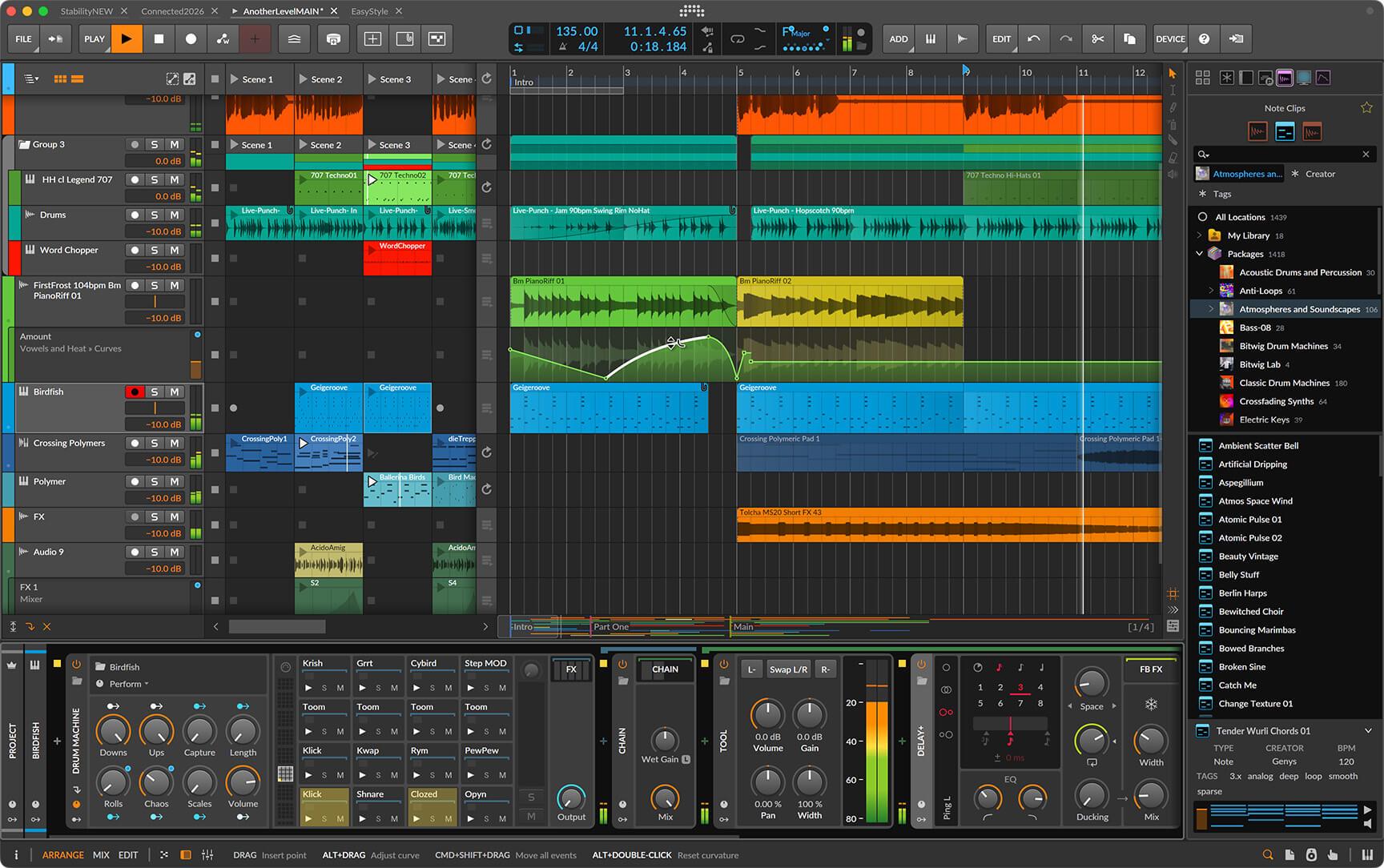
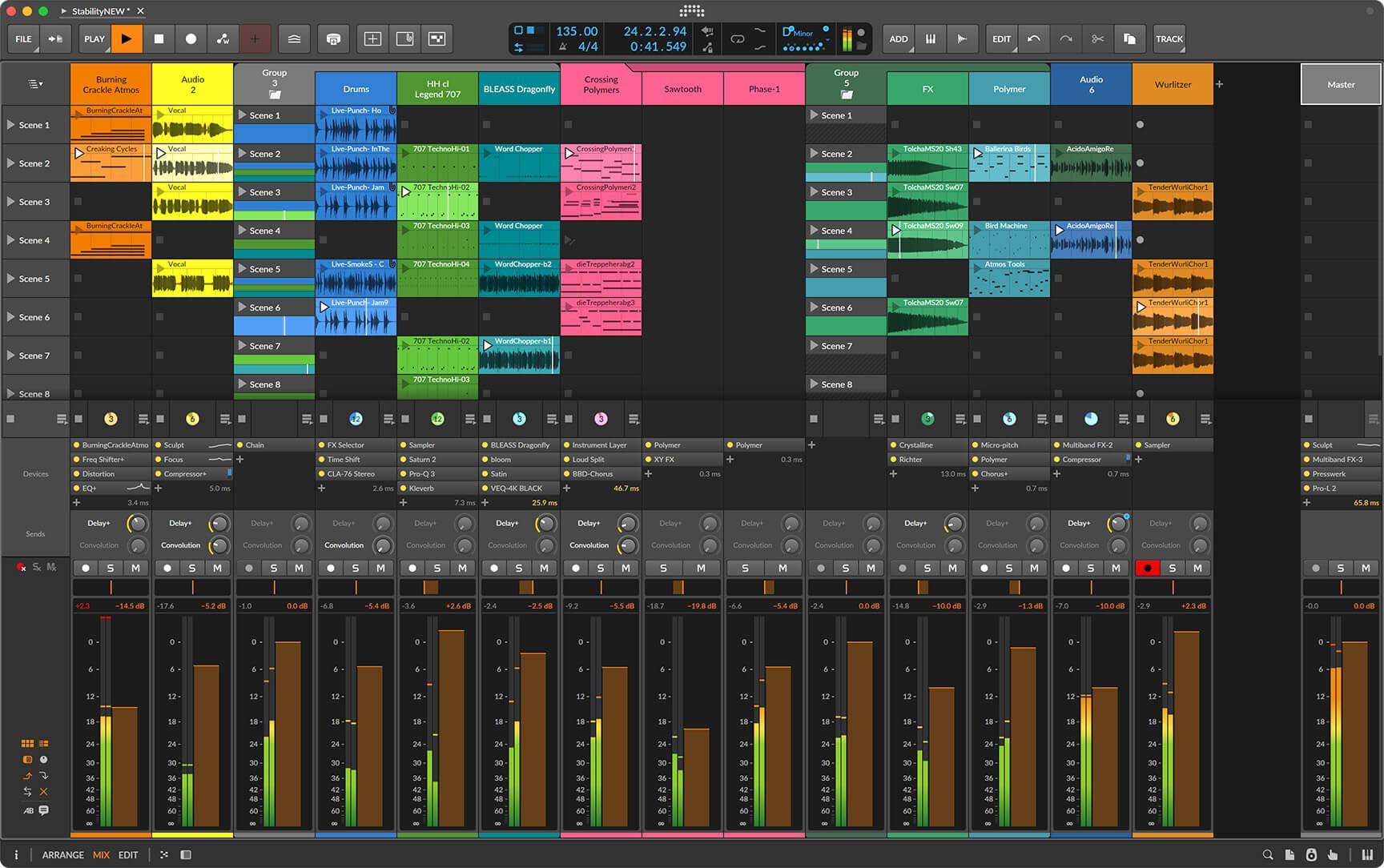
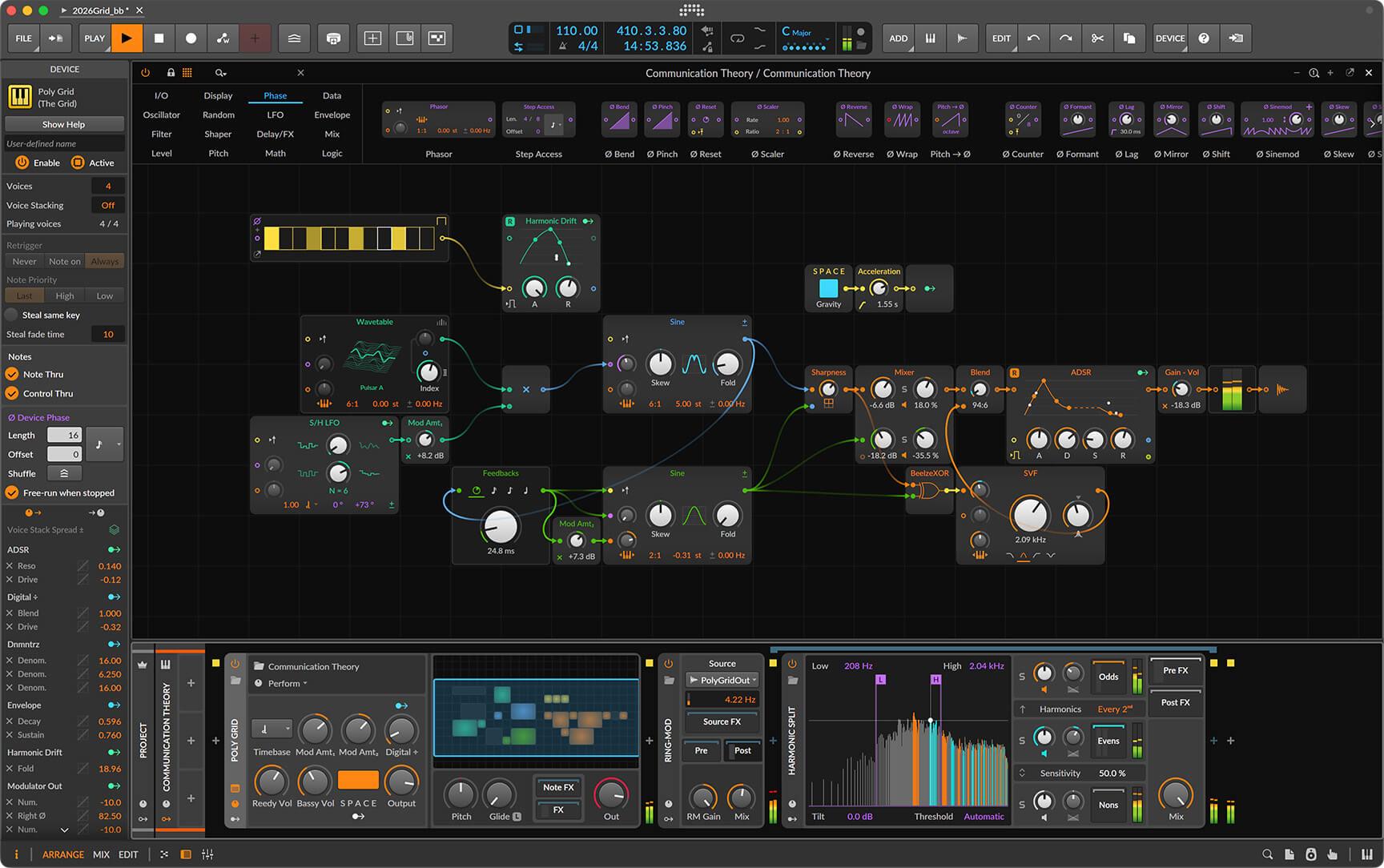
Description
Key Details
- Manufacturer: Bitwig
- Department: Software, Sound Libraries
- Brand: Bitwig
Use Cases
- Composing, production, editing, mixing, mastering, or sound-design sessions that need repeatable software tools.
- Project studios and professional rooms that need clearly documented compatibility and installation details.
- Producers comparing software options by manufacturer, format, category, and supported workflow.
Installation
After checkout, follow the publisher instructions for download, authorization, installation, and DAW/plugin scanning. Keep your installer, serial, or account information available during setup.
Compatibility
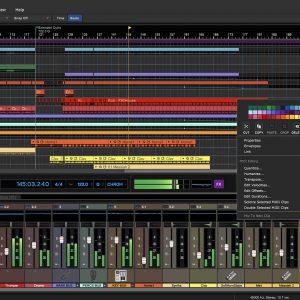
Create without limits. The only software you need to realize any musical idea across every stage of creation. Linear and non-linear workflows, a flexible modular design, 140+ instruments and effects, and over 20GB (and counting) of world-class sound content. Set your sound free on Windows, MacOS, and Linux. Try for Free NEW Coming Soon: Bitwig Studio 6.1 Now in public beta, 6.1 brings a radically updated Sampler with slicing, time-stretching, expanded play modes, and much more. Learn More SPECIAL OFFER Bitwig Summer Sale Get ready for some summer fun: Save 25% on any Bitwig Studio license. Learn More Whatever your destination, Bitwig Studio will get you there. Finish music fast or go deep on the details. Harness powerful synths and FX or build your own. Improvise and perform, connect your hardware, design the sounds in your head. Discover the DAW that lets you create your way. The Bitwig Community Andy Martin Breaks the Frame The rising techno artist talks dub FX, experimental workflows, and his handheld Bitwig setup. Learn More Drum & Bass Legend dBridge Embraces Imperfections with Bitwig's Integrated Clip and Arranger View Learn More From Minimal Grooves to Grid Moves: Vlad Caia’s Sonic Journey Learn More Explore More Artists News Learn Bitwig Studio Check the Quick Guide for Info on Bitwig Studio 6 and 6.1 Learn More Events Bitwig at TouchDesigner Bangkok Meetup July 30–31, 2026 Learn More Learn how Bitwig Studio takes you from a basic idea to an inspiring result in this workshop, recorded live at Superbooth 2026. Learn More Your First Steps in Bitwig Studio Just getting started? These videos take you from activating the program to installing sound content and mapping your controllers. Get up and running with Bitwig Studio now. Learn More Watch Video Tips on Workflow and Creative Process Catch up on Bitwig techniques including mouse-free editing, creative audio comping, Step Input tricks, and more. Learn More Find more Bitwig tutorials in our Learn Section . –> Explore More Tutorials Explore More On Bitwig Studio On Another Level: Bitwig Studio 6 Is Out Now This major update brings automation clips, global key signature, clip aliases, upgraded automation editing, and much more. Learn More Learn More On Bitwig Studio Transferring Projects Between Bitwig Studio and Other DAWs Bitwig Studio offers several solutions for those who use multiple DAWs. Learn more about how to quickly and easily transfer files to and from other programs. Learn More NEW On Bitwig Studio Coming Soon: Bitwig Studio 6.1 Now in public beta, 6.1 brings a radically updated Sampler with slicing, time-stretching, expanded play modes, and much more. Learn More Subscribe to our Newsletter Bitwig Studio
Product Demo
Product Demo
Additional Details
Manufacturer System Requirements:
Windows, MacOS, Linux
Requirements Source: manufacturer or supplier product documentation.
Reviews
There are no reviews yet.