

Description
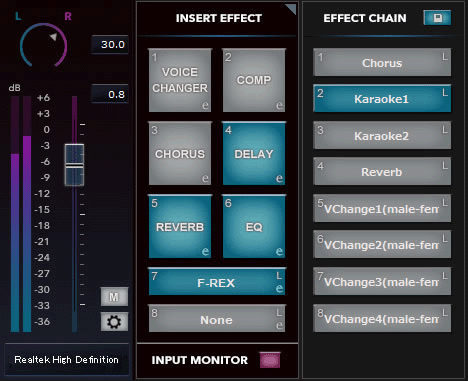
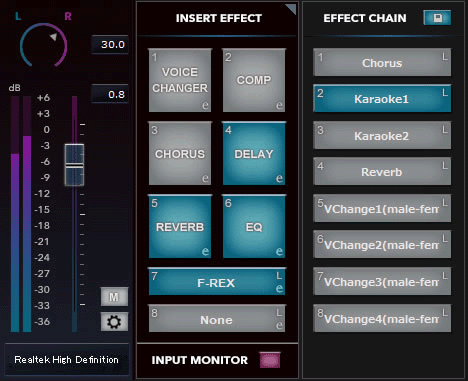
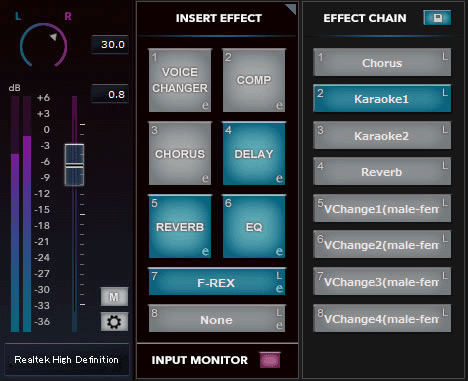
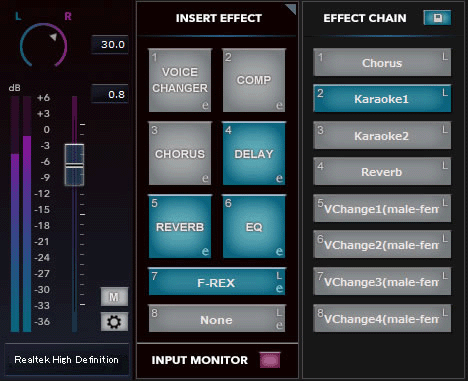
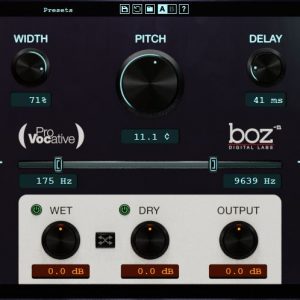
By clicking or dragging the mouse, voices can be upgraded in real-time. You can adjust volume and pan, and add effects to audio such as announcements, narration, talk, or background music. Audio Input FX includes six built-in effects: two voice changers, a compressor, reverb, delay, and EQ. These come with many presets helpful for various situations. In addition to the six built-in effects, you can use two VST effects (compatible with VST2 and VST3). For example, the voice changer can make you sound like a completely different person. Reverb can create the impression of a large hall. EQ can adjust voices to be heard more clearly. You can enjoy a wide range of performances by using Audio Input FX. Traditionally, adding effects to voice input in real-time required hardware like an audio interface. Audio Input FX achieves the same result in a software-based system. Audio Input FX can run on applications with voice input, such as live streaming apps like OBS, XSplit, and N Air; video-communication apps like Skype, Zoom, and Google Meet; and video or sound editing apps. Audio Input FX makes it easy to upgrade live streaming voices.

Reviews
There are no reviews yet.